
Now Playing
The Now Playing screen shows real-time playback information for all your Alexa devices. You can see what is currently playing, the full playlist queue, and control shuffle and loop modes.
The Now Playing Screen
Navigate to Now Playing in the sidebar.
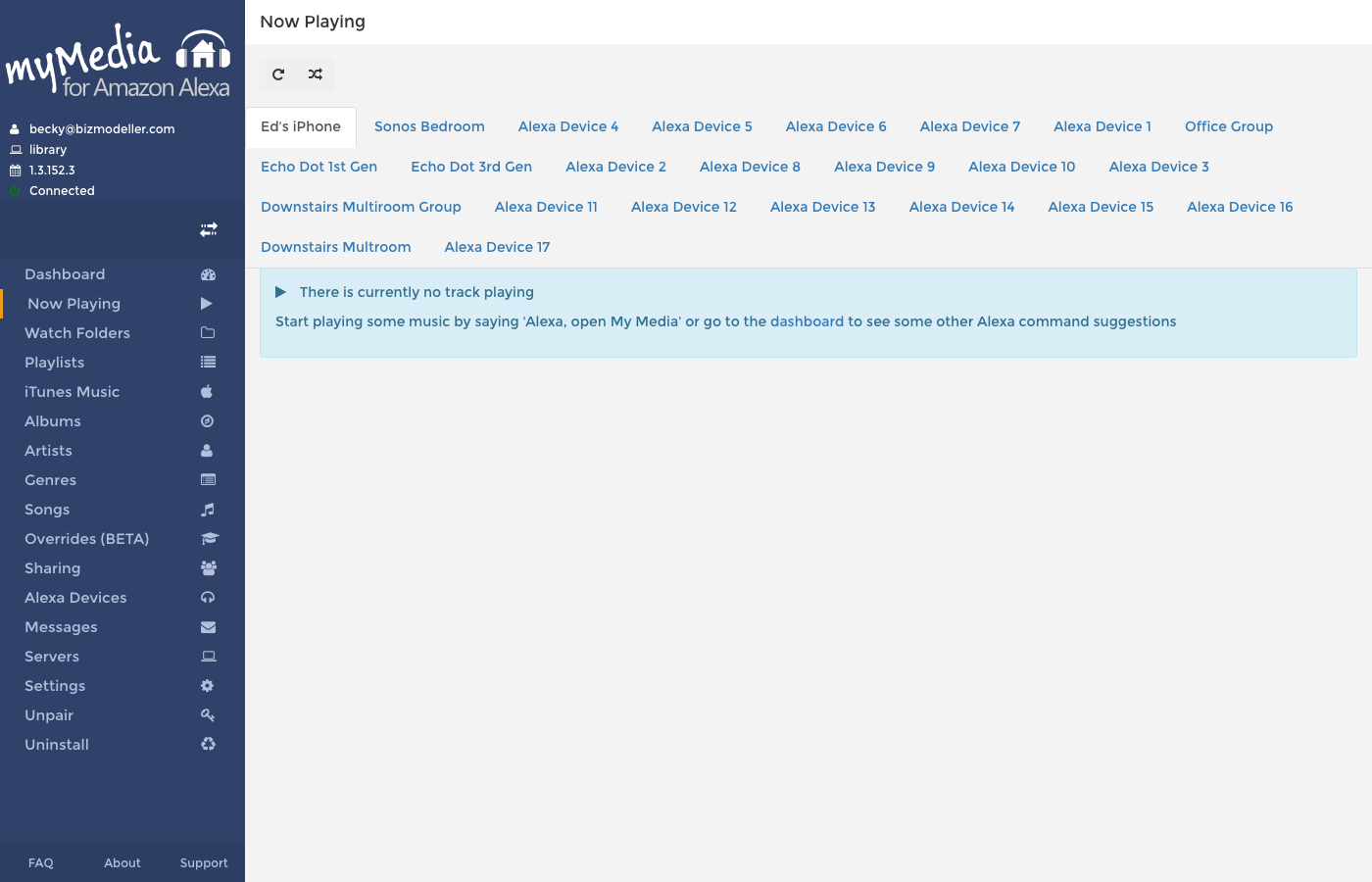
When Nothing is Playing
If no Alexa device is currently playing music through My Media, the screen shows:
There is currently no track playing
Start playing some music by saying "Alexa, open My Media" or go to the dashboard to see some other Alexa command suggestions
When Music is Playing
When a track is playing, the screen shows a rich, full-window view with:
- Album art filling the left half of the screen (on large displays)
- Track title and artist name prominently displayed
- The full playlist queue with the current track highlighted
- The album art is also used as a blurred background across the entire screen
Track List
The right side of the screen shows the full playlist, scrolled so the currently playing track is visible. Each row shows:
- A play icon (▶) next to the row that is currently playing
- Track number within the playlist
- Track title
- Artist
Multiple Alexa Devices
If you have more than one Alexa device playing (e.g., multiroom audio), the screen shows a tab per device at the top. Click a tab to see the now playing view for that specific device.
Shuffle and Loop Controls
At the top of the Now Playing screen are two toggle buttons:
| Button | Description |
|---|---|
| ↺ (Loop) | Toggle loop mode — when enabled, the playlist restarts after the last track |
| ⤮ (Shuffle) | Toggle shuffle mode — when enabled, tracks play in a randomised order |
Clicking these buttons sends the preference change directly to your My Media server, and the next voice command will reflect the new setting.
Tips
You can also control shuffle and loop via Alexa voice commands — see Voice Commands.
Artwork on Echo Show and Spot
If Send Album Artwork to Alexa is enabled in Settings, My Media sends album art to compatible Alexa devices (Echo Show, Echo Spot). The artwork is displayed on the screen of those devices during playback.
Album art is extracted from the embedded cover art in the audio file's ID3/metadata tags.