
Support
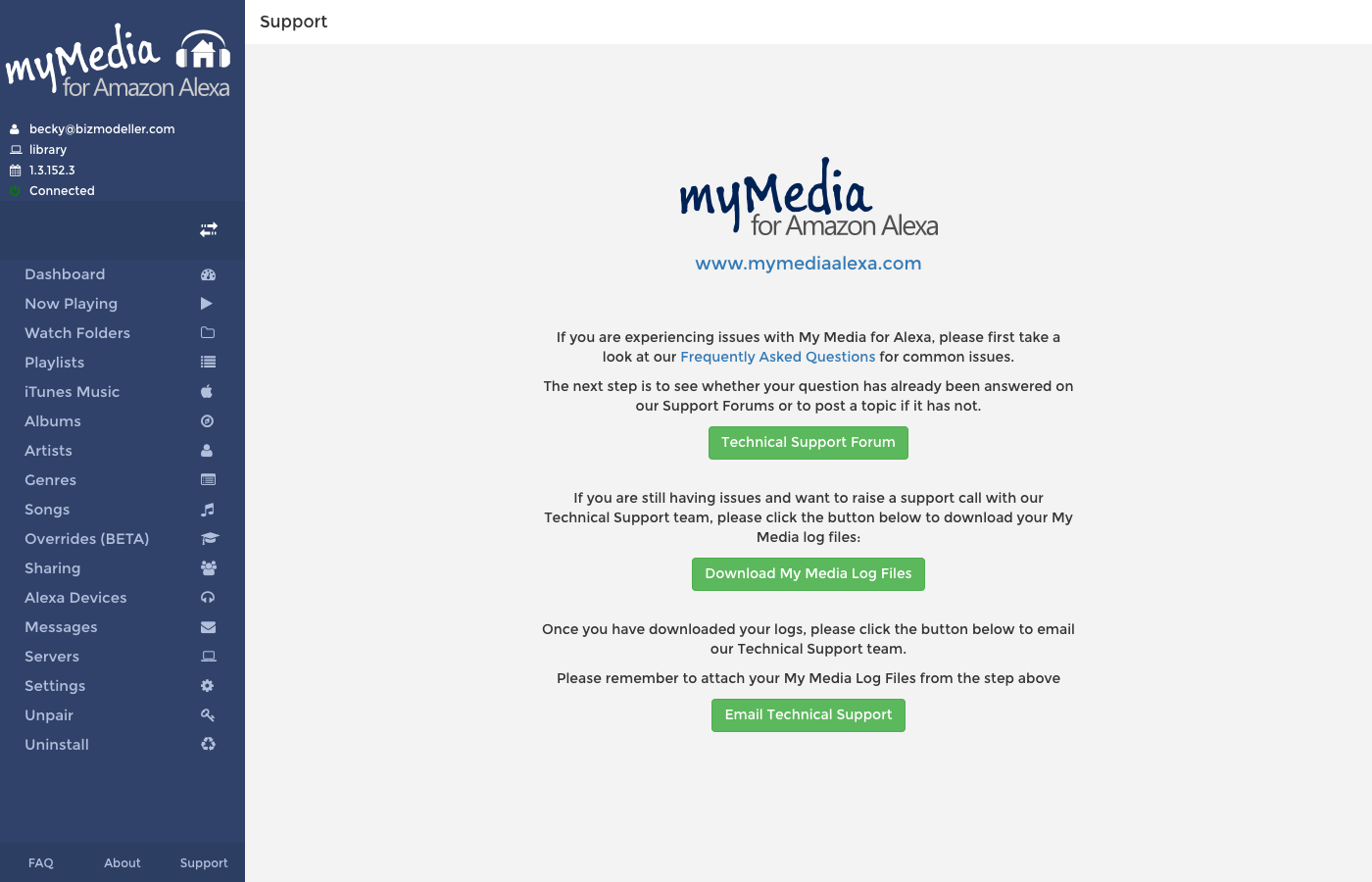
If you are experiencing issues with My Media for Alexa, the following resources are available.
Step 1: Check the FAQ
Many common issues are covered in the Frequently Asked Questions. Check there first.
Step 2: Contact Technical Support
If you still need help, collect your My Media log files before contacting support — they help diagnose the issue quickly.
Downloading Log Files
In the web console, navigate to Support and click Download My Media Log Files. This downloads a ZIP archive of your server logs.
Alternatively, you can access the logs directly at:
http://[your-server-ip]:52051/logs
Emailing Support
Email the support team at support@mymediaalexa.com, attaching the log files downloaded in the previous step.